A practical framework for choosing what fits your space, routine, and priorities.
Move the power source
Mounting a surge protector beneath the desk removes the heaviest cable bundle from the floor. Check that clamps clear the desktop edge and any support bars. Leave enough slack for a standing desk to reach its highest position without tugging wall connections.
Separate daily cables
Keyboard, mouse, display, and charging cables should follow predictable paths. Reusable hook-and-loop ties make changes easier than permanent zip ties. Keep power and data cables loosely separated where practical, and avoid tight bends near connectors.
Create one landing point
A small tray or dock prevents adapters and portable drives from migrating across the desk. The goal is not to hide every object. It is to give frequently handled items a place that stays reachable while the main work surface remains open.
Related picks
Products to consider
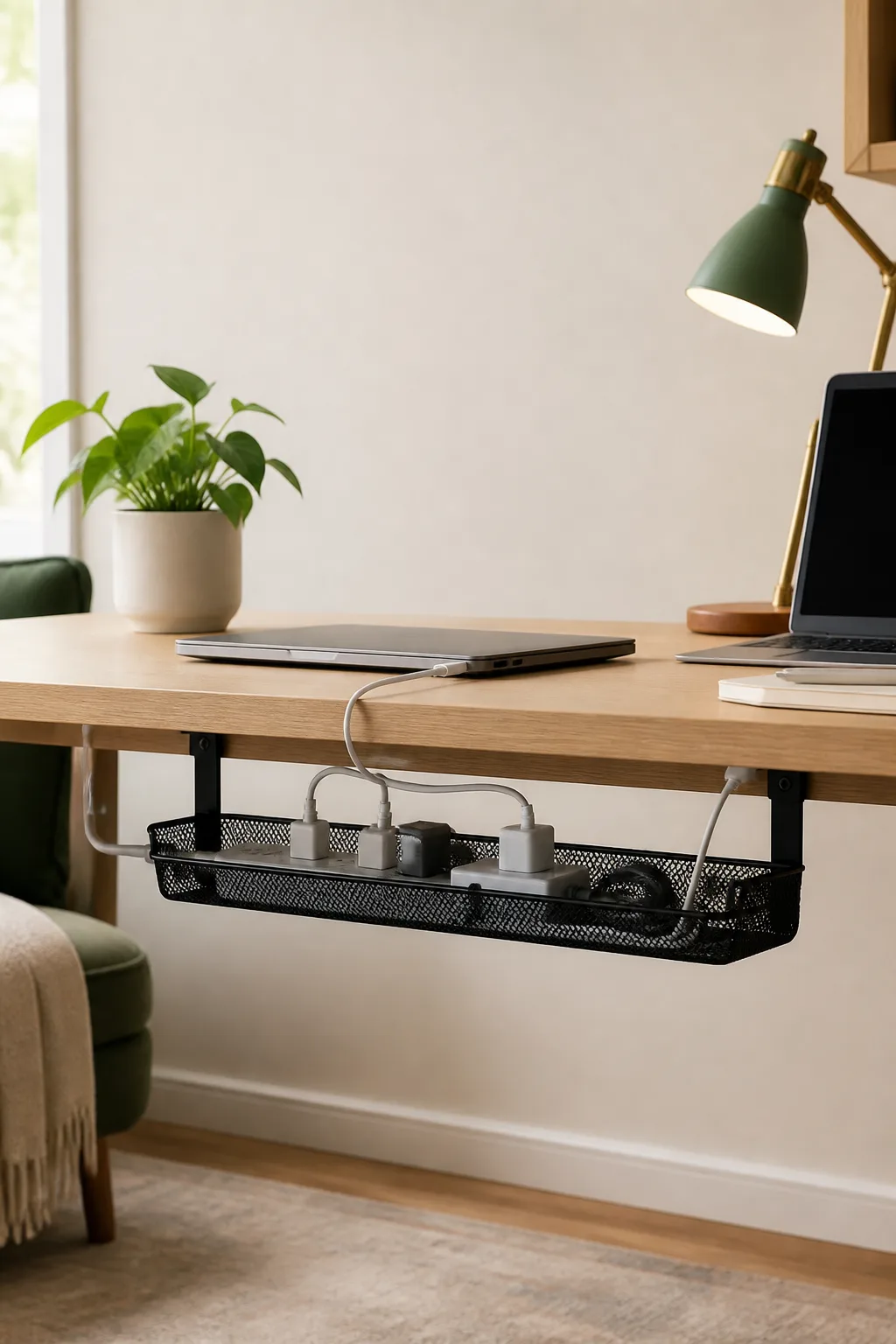
Under-desk cable tray
Moves power strips and charging cables off the floor without turning setup into a construction project.
Before buying: Check clamp width against your desktop
Paid link: Current Pick may earn a commission if you buy through this link.
Buy from Amazon